Custom Chit
A Custom chit is for a schedule that does not follow any of the other five models: you set the amount, the duration and the start date, and the schedule is yours.
This is a short guide because there is less to set up than in the other models.
At A Glance
How It Works
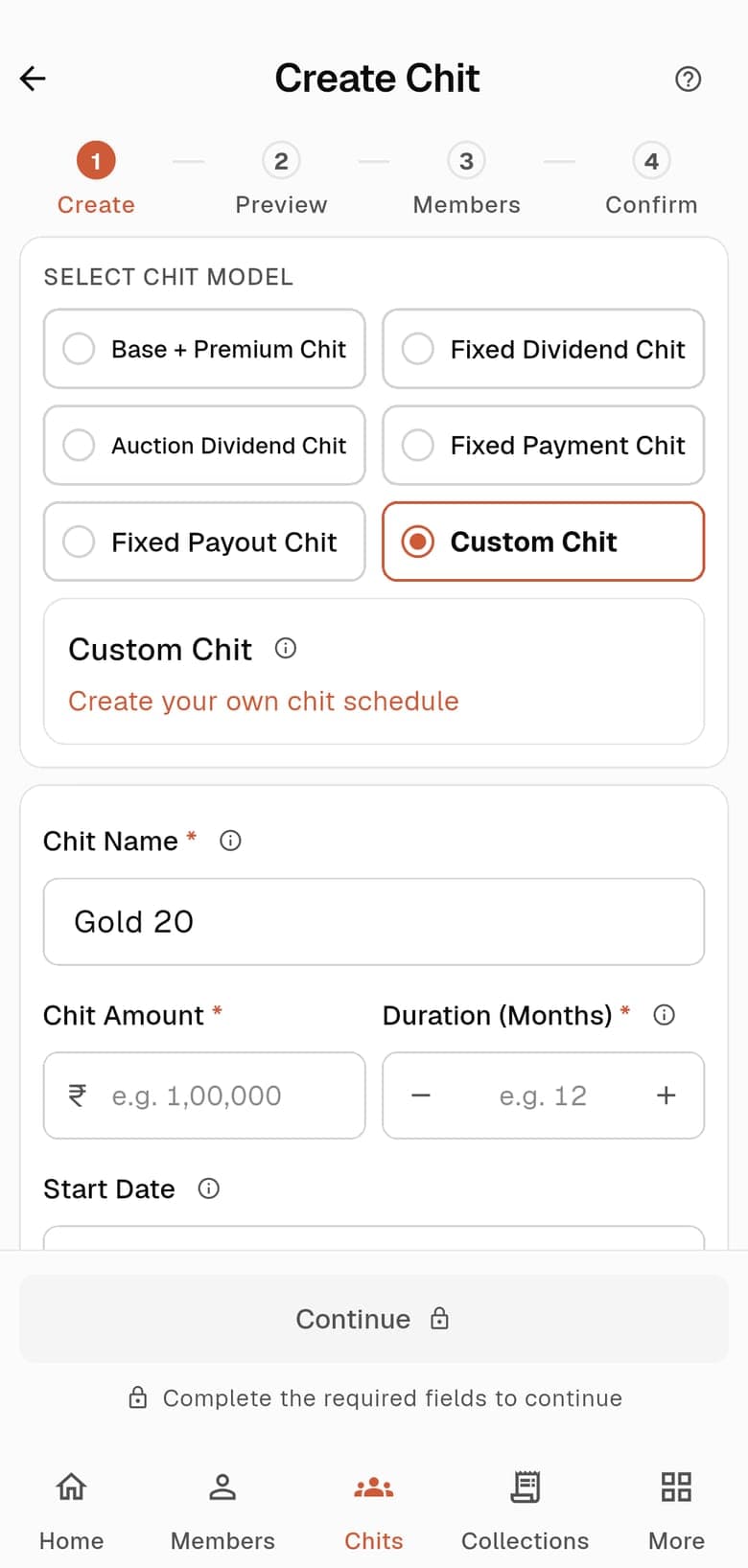
- Choose Custom Chit in Create Chit. The app describes it as: create your own chit schedule.
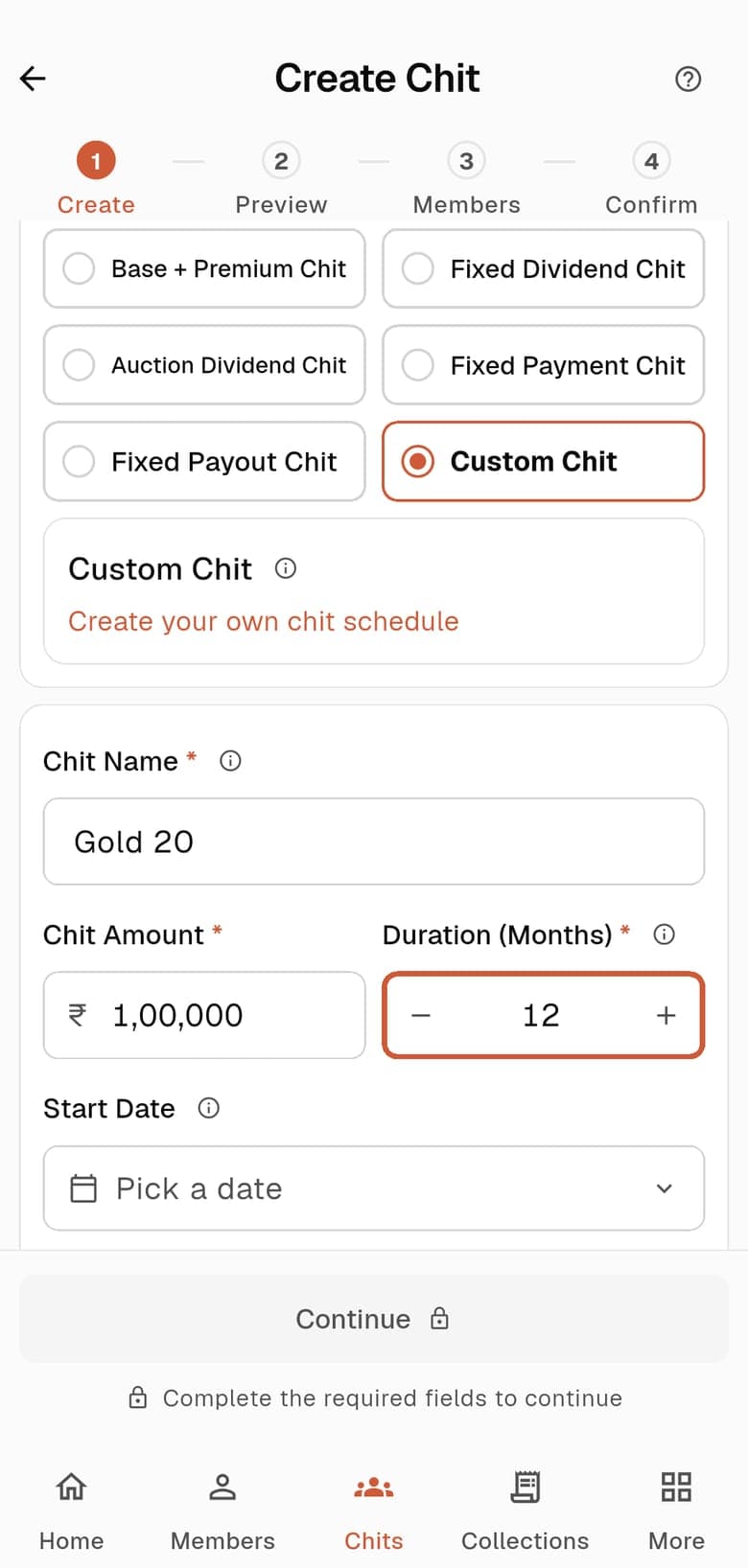
- The form asks only for the basics. There is no example sheet and no preset, because nothing is calculated for you.
Before you choose this model. In the current Android app the monthly amounts of a Custom chit are not entered in the create flow: its preview opens with every month at zero and cannot be edited there. If you want the app to work out the months for you, choose one of the other five models.
How The Calculation Works
The rules ChitsApp applies each month, with the numbers from the example.
- Every month of a custom schedule has to balance: payment per member × members = payout to the winner + commission.
- For example, 6 members paying ₹10,000 collect ₹60,000. If the winner is paid ₹50,000, the commission is ₹10,000.
The Settings You Fill In
Each one in plain words, in the order the form shows them.
- Chit Name
- What you and your members call the chit. ChitsApp gives every chit its own code as well, built from your organisation code.
- Chit Amount
- The full value of the chit, which is what the monthly pool is measured against.
- Duration (Months)
- How many months the chit runs. Each month is one cycle and one member lifts the chit, so the chit has as many units to fill as it has months.
- Start Date
- The first cycle. Pick it from the calendar.
Steps To Create It
From the Chits tab to a live chit, in the Android app.
Choose Custom
In the Chits tab choose Create New Chit and tap Custom Chit.
Fill in the chit
Enter the chit name, the chit amount, the duration and the start date.
Common Questions
Can I enter the month-by-month amounts in the app?
Not in the current Android app. The Custom create flow asks for the chit amount, duration and start date, and its preview opens with every month at zero and cannot be edited there.
Which model should I choose if I want ChitsApp to work out the months?
Any of the other five: Base + Premium, Fixed Dividend, Fixed Payout, Fixed Payment or Auction Dividend. Each has its own guide.
Keep Reading
Run your chits in ChitsApp
Start with up to 2 running chits free. No card needed. ChitsApp records payments; it does not hold or collect your members’ money.